SFX For Developers
Integrate your app/plugin with the most powerful automation platform in the industry – in just a few hours of work

SFX: The SoundFlow Extension Framework
What is SFX?
SFX (SoundFlow Extension Framework) is a cross-platform C++ SDK and technology layer built for the future of SoundFlow integrations.
Engineered to meet the creative industry's demand for microsecond-level real-time performance, high reliability, robust security, and minimal resource usage, SFX represents a generational leap forward in how SoundFlow communicates with professional applications and plug-ins.
The goal of SFX is for modern apps and plug-ins (especially JUCE and Qt products) to implement a core SFX integration in just a few hours—and then unlock a wide range of automation and learning capabilities inside the SoundFlow ecosystem.
How it works
Built to replace and extend the legacy macOS Accessibility layer, SFX establishes a direct, high-performance link between SoundFlow and third-party applications and plug-ins.
This new architecture delivers dramatic improvements in responsiveness, performance, and stability, eliminating the latency and limitations of previous automation methods.
The SFX framework allows everything from third-party applications, DAWs, and plug-ins to connect with SoundFlow in a simple, highly customizable way. For developers using JUCE or Qt, SFX includes built-in turnkey integrations, while custom UI frameworks are fully supported.
Once enabled, SFX provides full access to SoundFlow's tutorial system, macro and scripting engines, AI capabilities, intelligence, and interactivity together in one unified ecosystem.
What you unlock with SFX
Once SFX is implemented (you only do this once), it opens up powerful developer-facing capabilities across AI, learning, automation, and hardware control.
Session Assistant and AI control
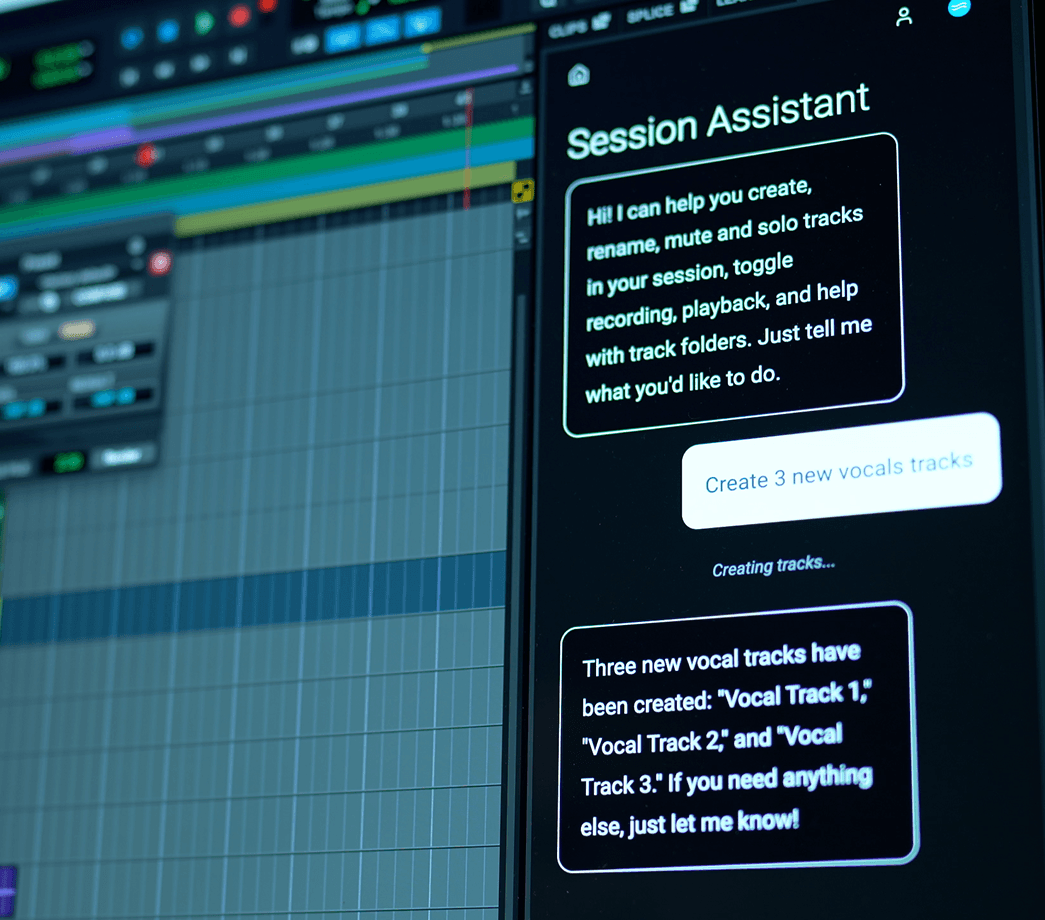
SoundFlow’s AI tools such as the Session Assistant (embedded inside Pro Tools) can be used to control your plug-ins and apps—for example to instantiate presets, set and read values of parameters, and more. Custom Plugin Assistants can also be made.
Interactive tutorials
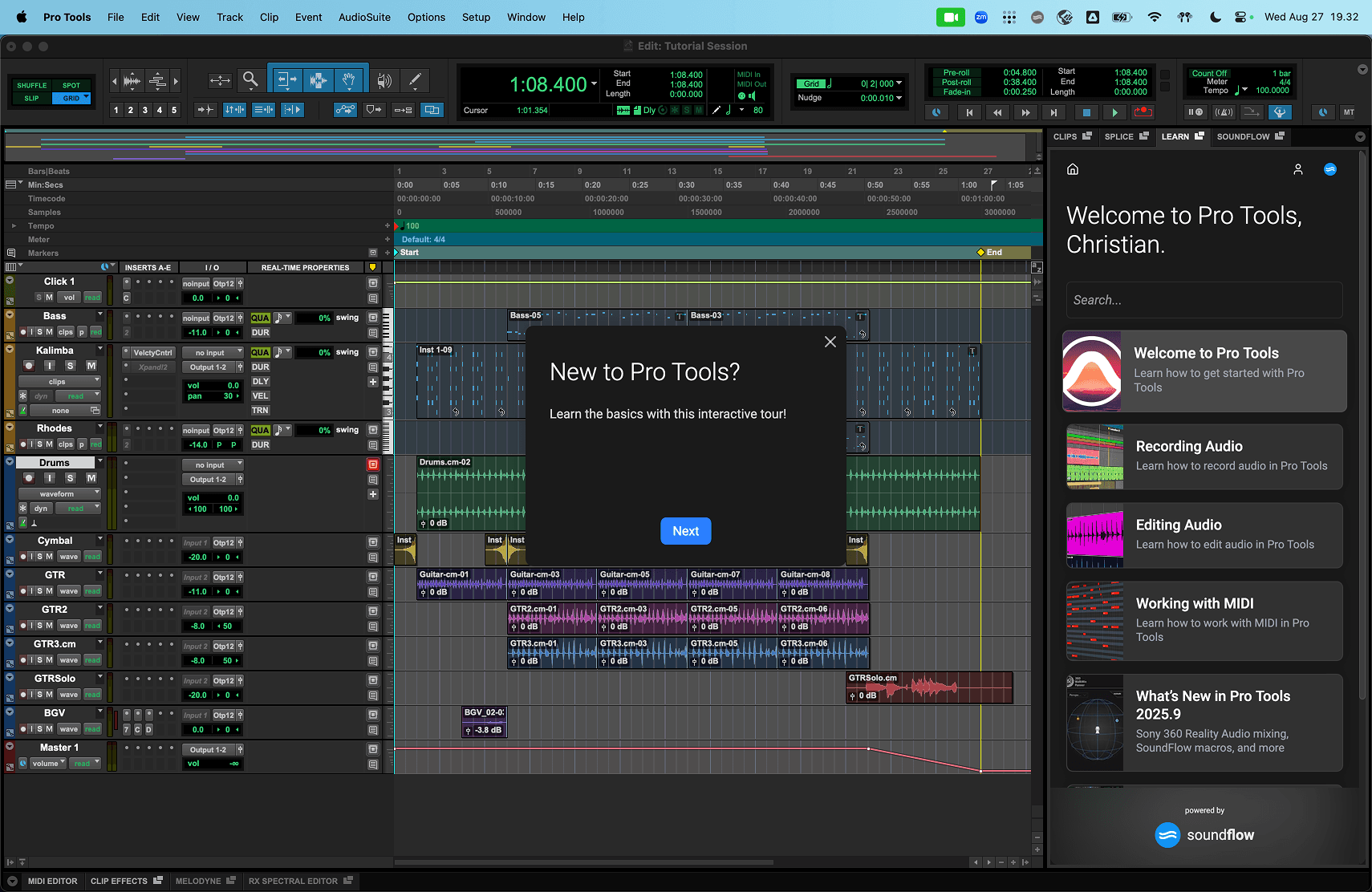
Through SFX, developers can build cross-platform, interactive, cloud-connected tutorials for teaching users how to use your products.
Macros, scripts and real-time automation
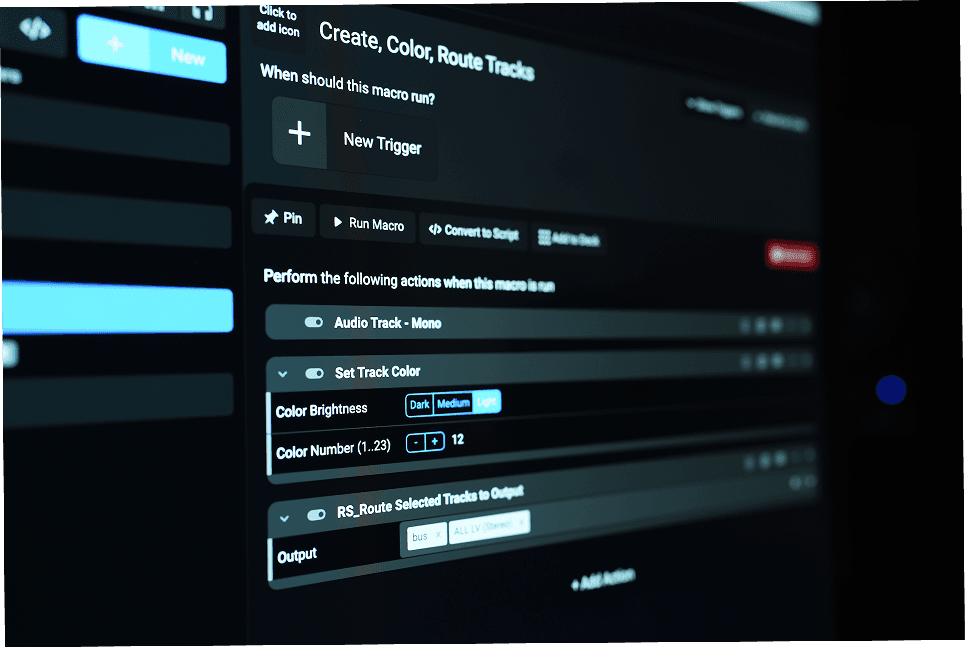
SoundFlow users can build macros, scripts, surfaces and decks to automate your plug-ins and apps in real time.
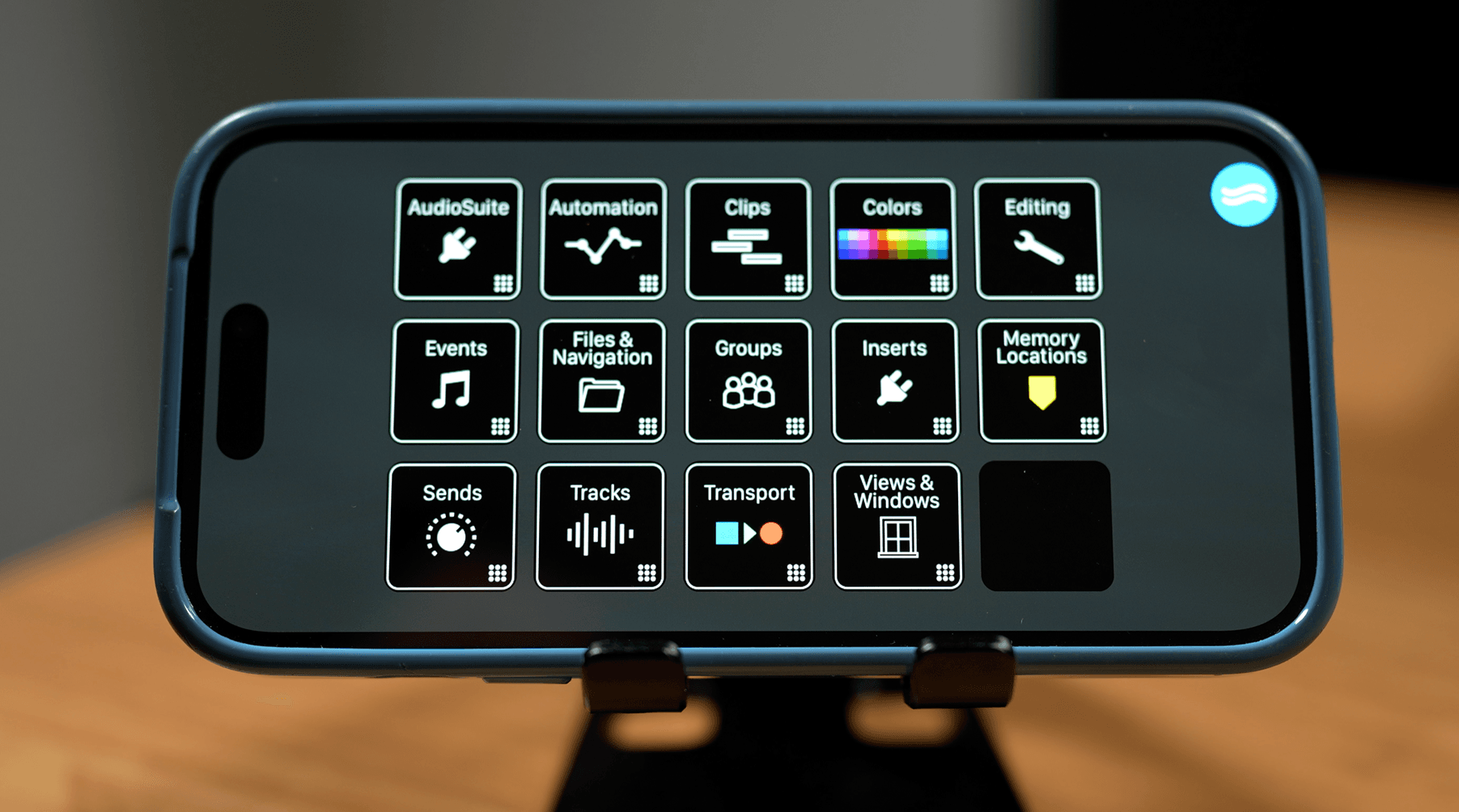
Hardware control with real-time, two-way feedback
Through SoundFlow, users can control your product from hardware devices such as Stream Decks, iPads, iPhones, Android tablets & phones, EUCON control surfaces, MIDI and OSC devices, and more.
Automated UI testing
Your team can use SoundFlow macros and scripts to perform automated UI-based tests of your apps and plug-ins—useful for regression testing workflows and ensuring consistent user journeys.
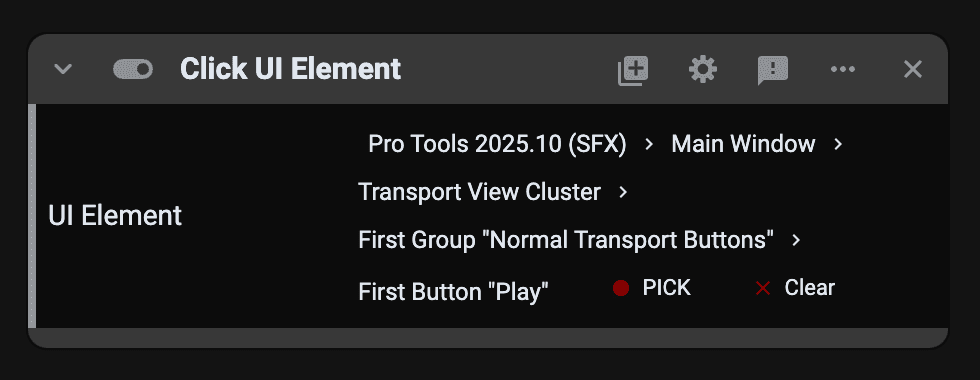
SFX in Pro Tools
With the release of Pro Tools 2025.10, SoundFlow is now co-installed with every version of Pro Tools.
SFX is built directly into Pro Tools, creating a native automation layer that lets SoundFlow communicate with it in real time—faster, more reliably, and now with Windows support for Pro Tools automation for the first time.
Commands in the official SoundFlow package (over 1,700 pre-built scripts available from the SoundFlow Panel) now benefit from SFX's optimized communication layer, resulting in faster response times, improved stability, and consistent behavior across both macOS and Windows.
SFX also expands what's possible inside Pro Tools automation. Scripts and macros can now:
- Bypass the need to activate Pro Tools' main window.
- Bypass Open and Save dialogs.
- Select items from pop-up menus (with or without modifiers) without opening them.
- Access previously unavailable UI elements within the Pro Tools interface.
- Address UI elements by their unique, persisted ID names.
- Trigger DAW commands directly.
These capabilities make SoundFlow automation inside Pro Tools faster, more stable, and more capable than ever before.
Distribution and reach
SoundFlow 6 is automatically co-installed on both macOS and Windows through Pro Tools 2025.10 and newer installers. SoundFlow 6 includes SFX as part of the installation.
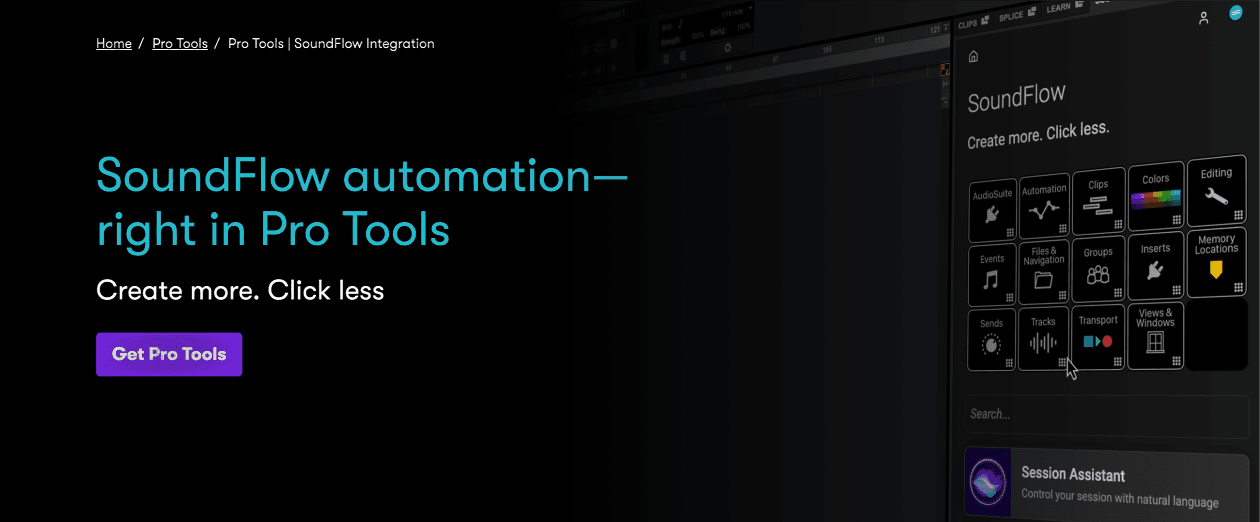
SFX powers the communication layer between Pro Tools 2025.10+ and SoundFlow 6+, enabling the new tutorial system in Pro Tools, much deeper and more reliable macro integration, the Session Assistant, and more.
By integrating SFX into your product, you tap into the broader SoundFlow ecosystem—and reach the Pro Tools audience (and beyond) with a native, real-time automation and learning layer for your product.
Get connected
For developers, SFX opens the door to direct, intelligent integrations between SoundFlow and third-party software or hardware. To learn more about integrating your plug-in(s) or application(s) with SFX, please reach out to us at developers@soundflow.org and/or fill out this form and we'll be in touch shortly.
For SFX Developers
Integrate your app/plugin with SFX - sign up for the SFX Developer Program today