
Learning Assistant
Your intelligent learning assistant, built right into Pro Tools
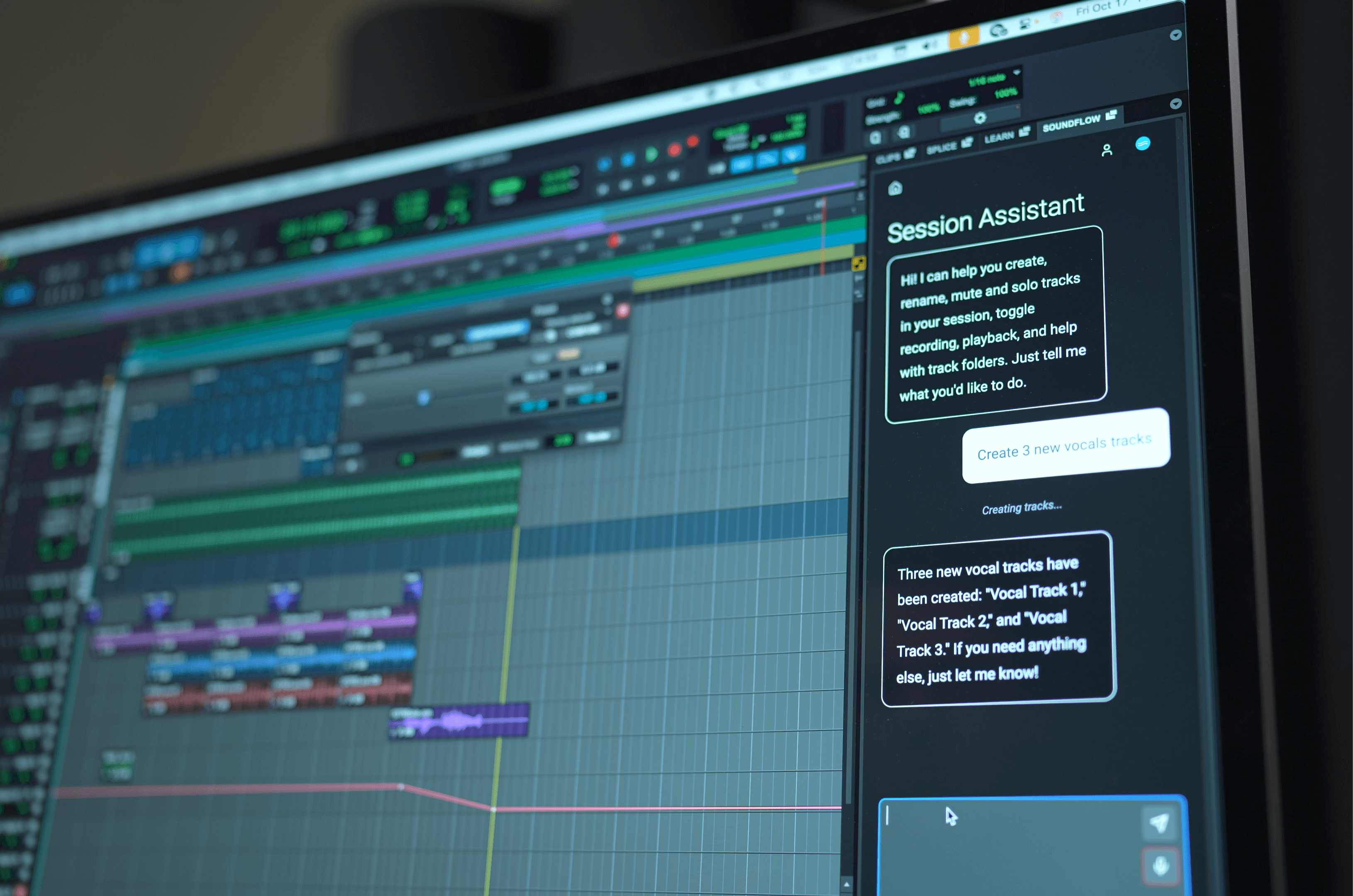
Learning Assistant in Pro Tools
Learning Assistant
Your intelligent learning assistant, built right into Pro Tools
Powered by SoundFlow’s SFX framework and available directly from the Learn panel inside Pro Tools 2025.10 and later, Learning Assistant provides a real-time conversational interface inside Pro Tools that allows you to ask questions about Pro Tools and get answers in seconds, sourced directly from the official Pro Tools documentation.
Check out Raphael Sepulveda’s video to see the new SoundFlow 6.1 Learning Assistant features in action.
How it works
- Open the Learn panel on the right side of the Edit window in your Pro Tools session.
- Click Learning Assistant in the SoundFlow panel.
- If you plan to use voice commands, set your Mic Input Selection so Learning Assistant listens to the microphone you want to use.
- Choose how you want to send a request:
- Type a prompt and click Send
- Record a prompt using the microphone button, then click Send
- Use Voice Control: press and hold your assigned keyboard shortcut (or a Stream Deck button), speak your command, then release to send
- Watch Learning Assistant go to work.
Responsible AI
Learning Assistant is part of SoundFlow's commitment to Responsible AI, tools that empower creators, not replace them.
Requirements
Learning Assistant is built directly into the Learn panel inside Pro Tools 2025.10 and later.
Learning Assistant is available with a SoundFlow AI or SoundFlow Pro AI subscription. To access the latest Learning Assistant features, you’ll need SoundFlow 6.1 or later.