Troubleshooting Pro Tools 2025.10
If you experience trouble in Pro Tools 2025.10 accessing the new tutorials in the Learn Tab of the Dashboard or other SoundFlow-powered features in the Learn and SoundFlow panels, please follow the steps laid out in this article.
What Can I Do if SoundFlow is Unresponsive or Not Launching?
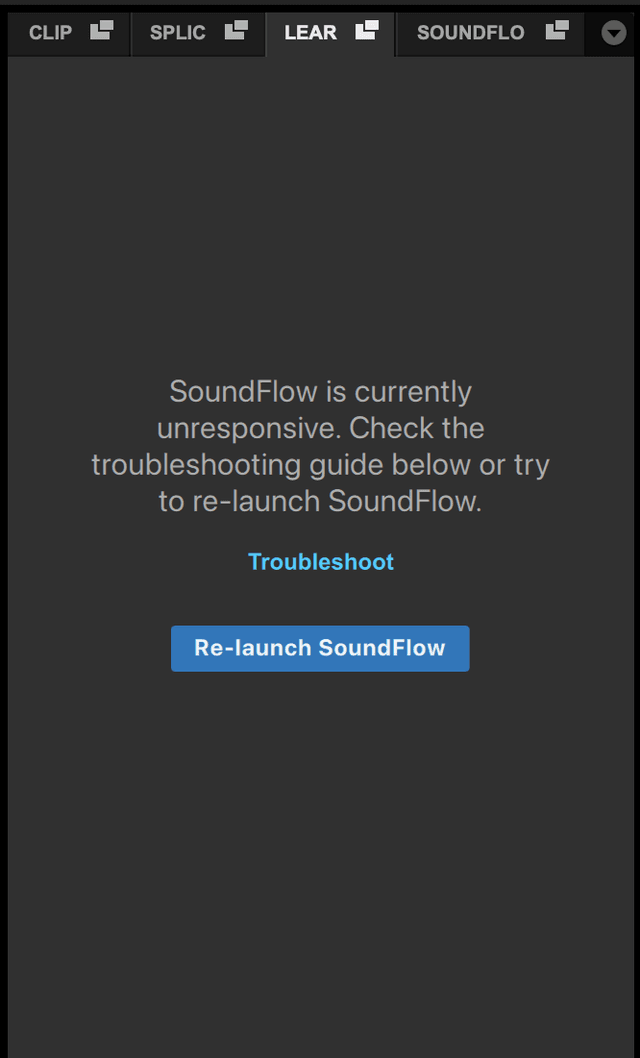
If SoundFlow fails to launch or is unresponsive, try the following:
- Restart Pro Tools.
- Open a session and check to see if the Learn Panel or SoundFlow Panel are working.
- Try installing the latest version of SoundFlow here: https://soundflow.org/account/install/
- Ensure your computer is connected to the internet, and that no VPNs or Firewalls are blocking access.
- Check to see if your system matches our System Requirements.
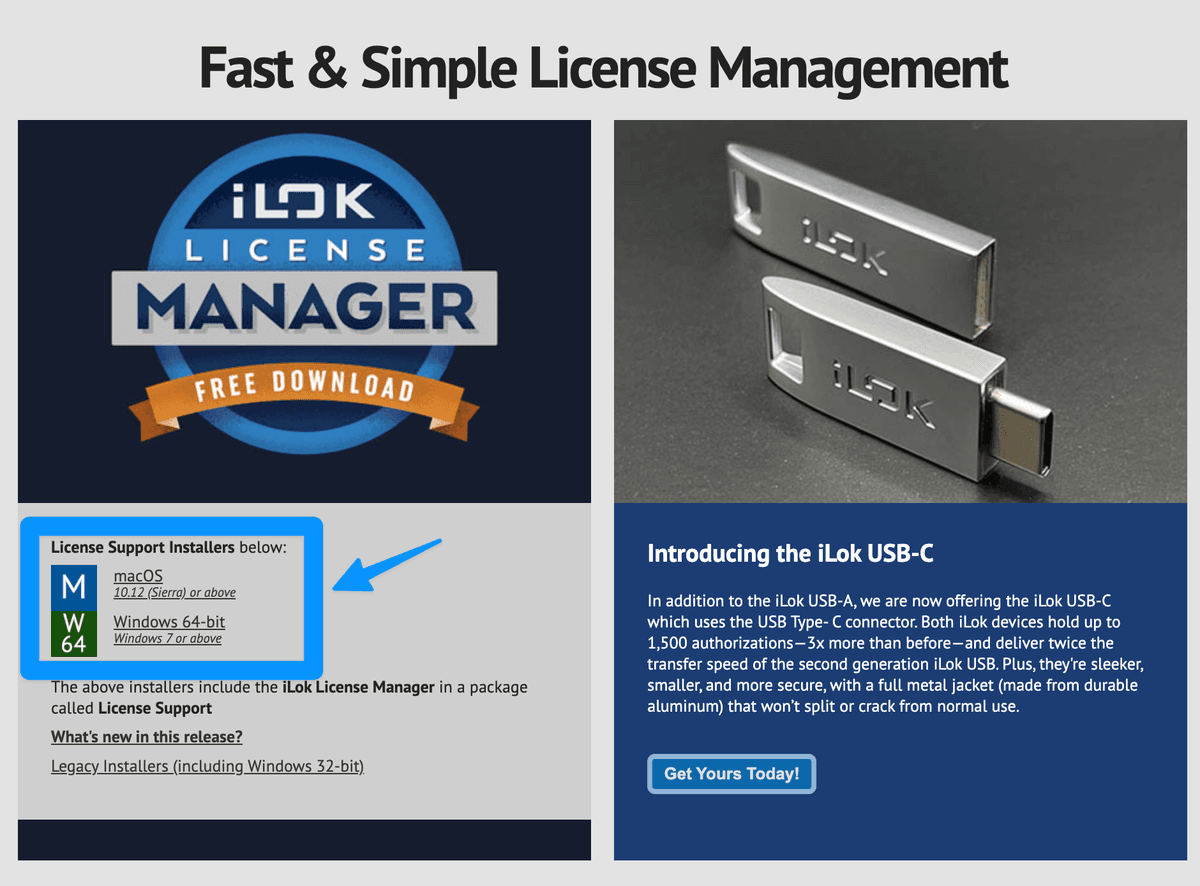
- Re-install iLok Support Installers here: https://www.ilok.com/
- If you are on macOS, try to launch SoundFlow from the Applications folder and confirm that it launches correctly.
- If none of these steps help, please reach out to us at support@soundflow.org.
Why Can't I Sign In and Use the SoundFlow Features in Pro Tools?
The most common reason you may be able to sign into your Avid account, but the SoundFlow-powered features in the Learn and SoundFlow panel do not display a successful sign-in, is that your associated SoundFlow account has reached the maximum number of concurrent sessions.
This usually means your SoundFlow account is already signed in on another device – or, in some cases, SoundFlow may still think an old session is active.
Remotely Log Out of Other SoundFlow Sessions
SoundFlow Sessions can be managed from https://soundflow.org/account/sessions
First, sign in to your SoundFlow account here: https://soundflow.org/account
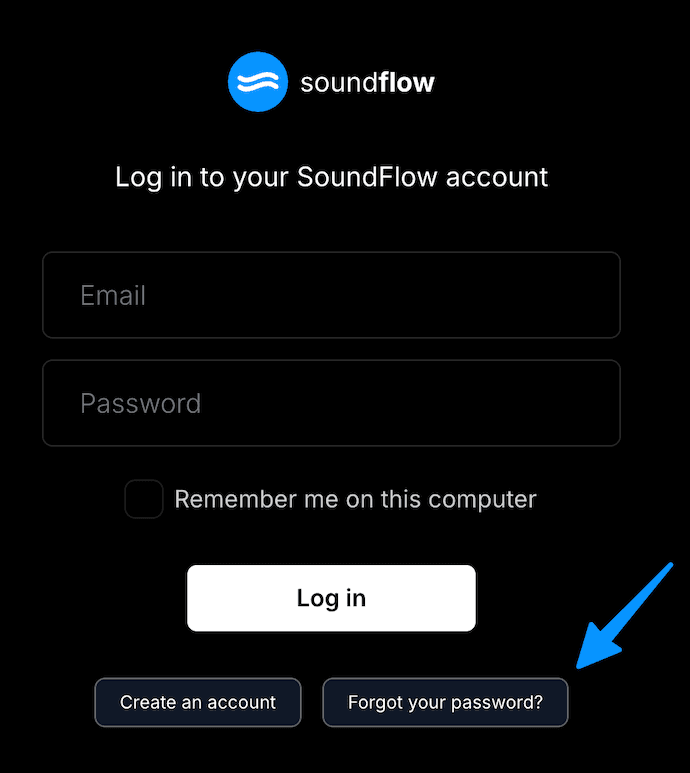
If you can't remember your SoundFlow password, or you have only ever accessed SoundFlow from within Pro Tools, you can reset or create a password for your SoundFlow account here:
Once logged in, navigate to https://soundflow.org/account/sessions, and click "Log out" next to any "Currently Open Sessions."
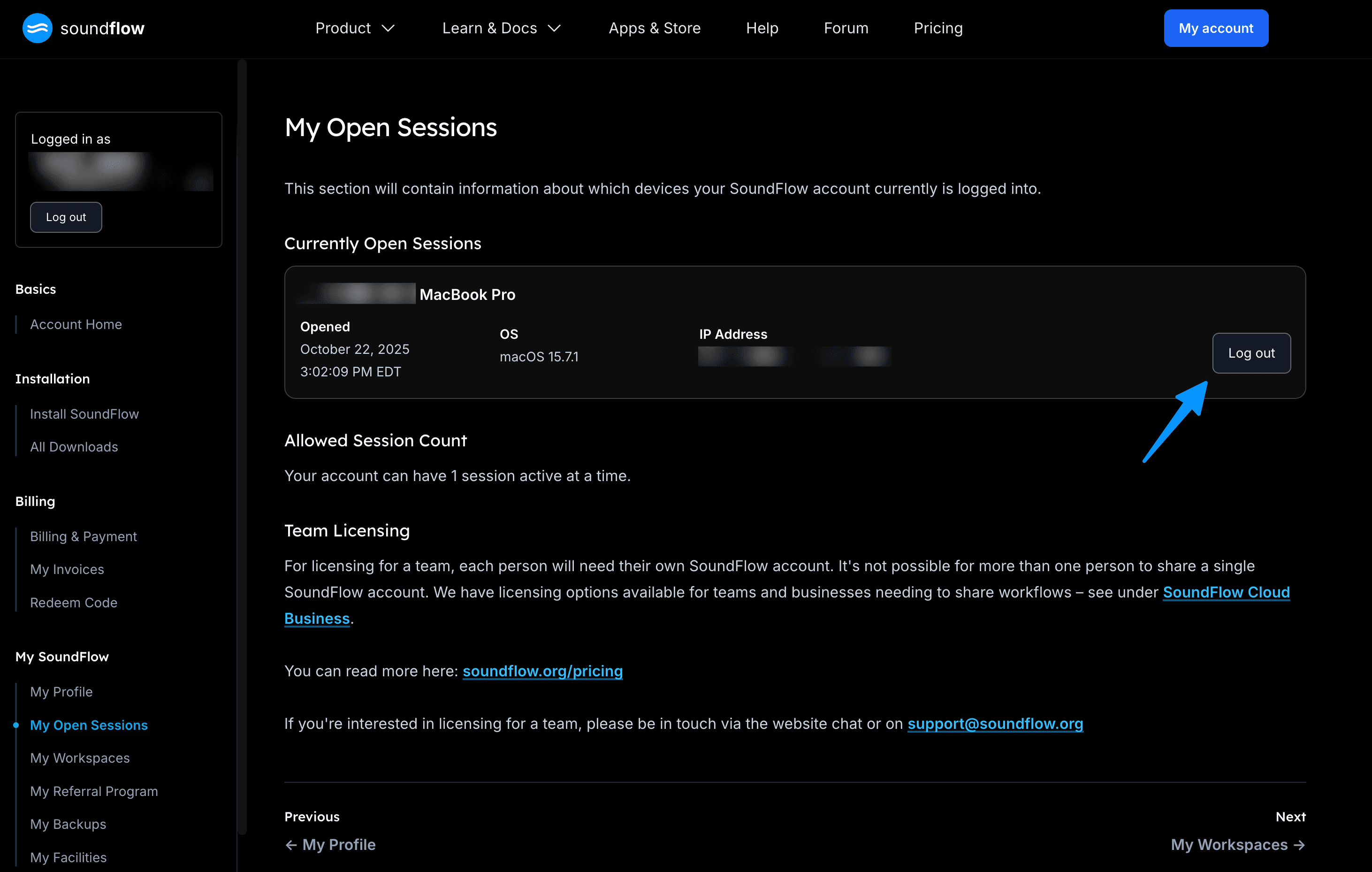
After logging out of other sessions, return to Pro Tools and attempt to sign in again using either your Avid or SoundFlow credentials.
Create or Reset a Password
If you can't remember your SoundFlow password, or you have only used your Avid Credentials previously, you can reset or create a password for your SoundFlow account here:
https://soundflow.org/account/forgot-password
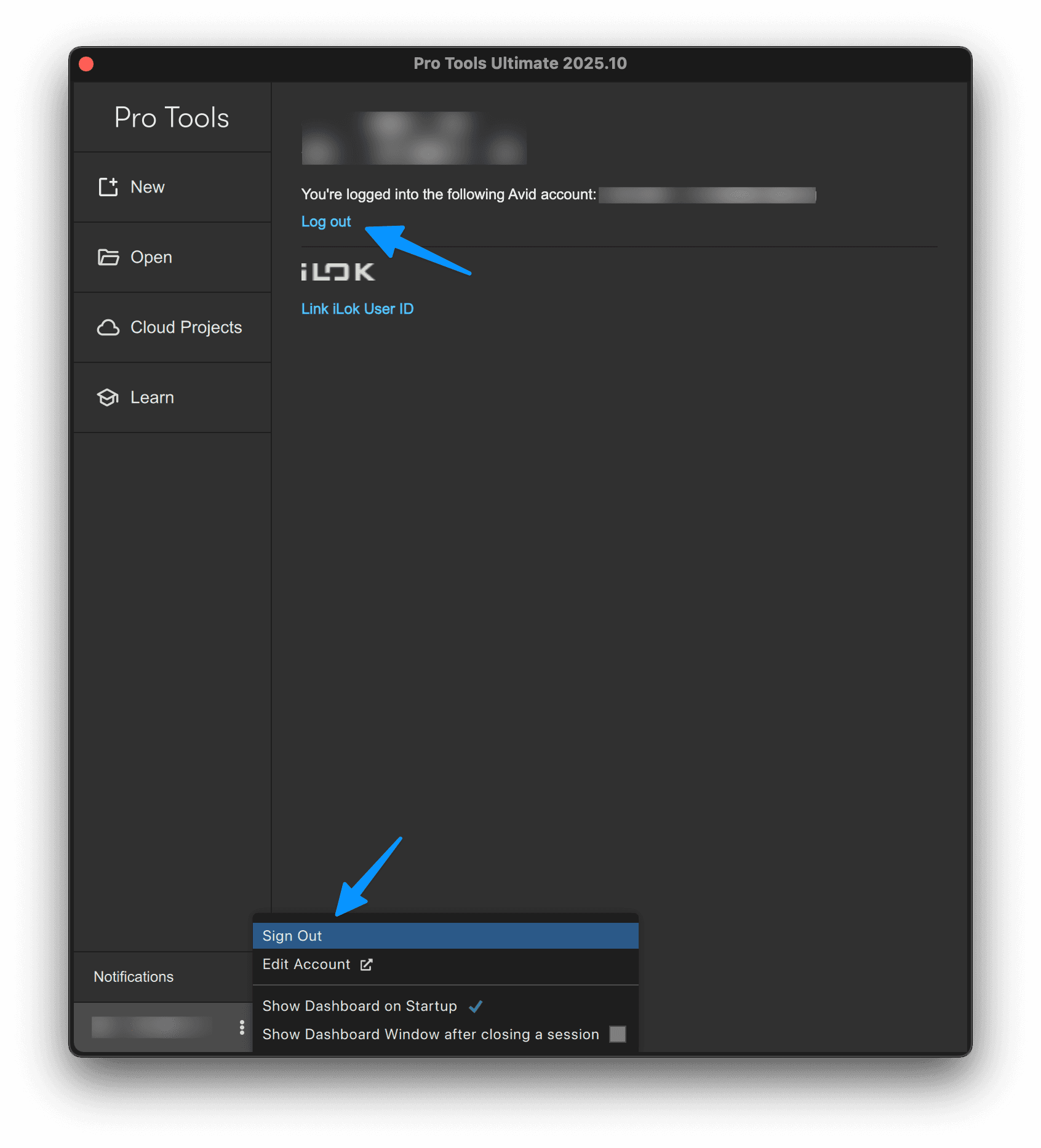
How to Sign Out of Pro Tools
From the File menu in Pro Tools, select Dashboard…
In the Dashboard, click the tab at the bottom-left showing your logged-in username.
In the right-hand panel, click "Log out" OR click the three dots next to your username and click "Sign Out"
Please reach out to Support
If your question is not answered above, please reach out to us at support@soundflow.org